

NanoVNA-F V3 Documentation
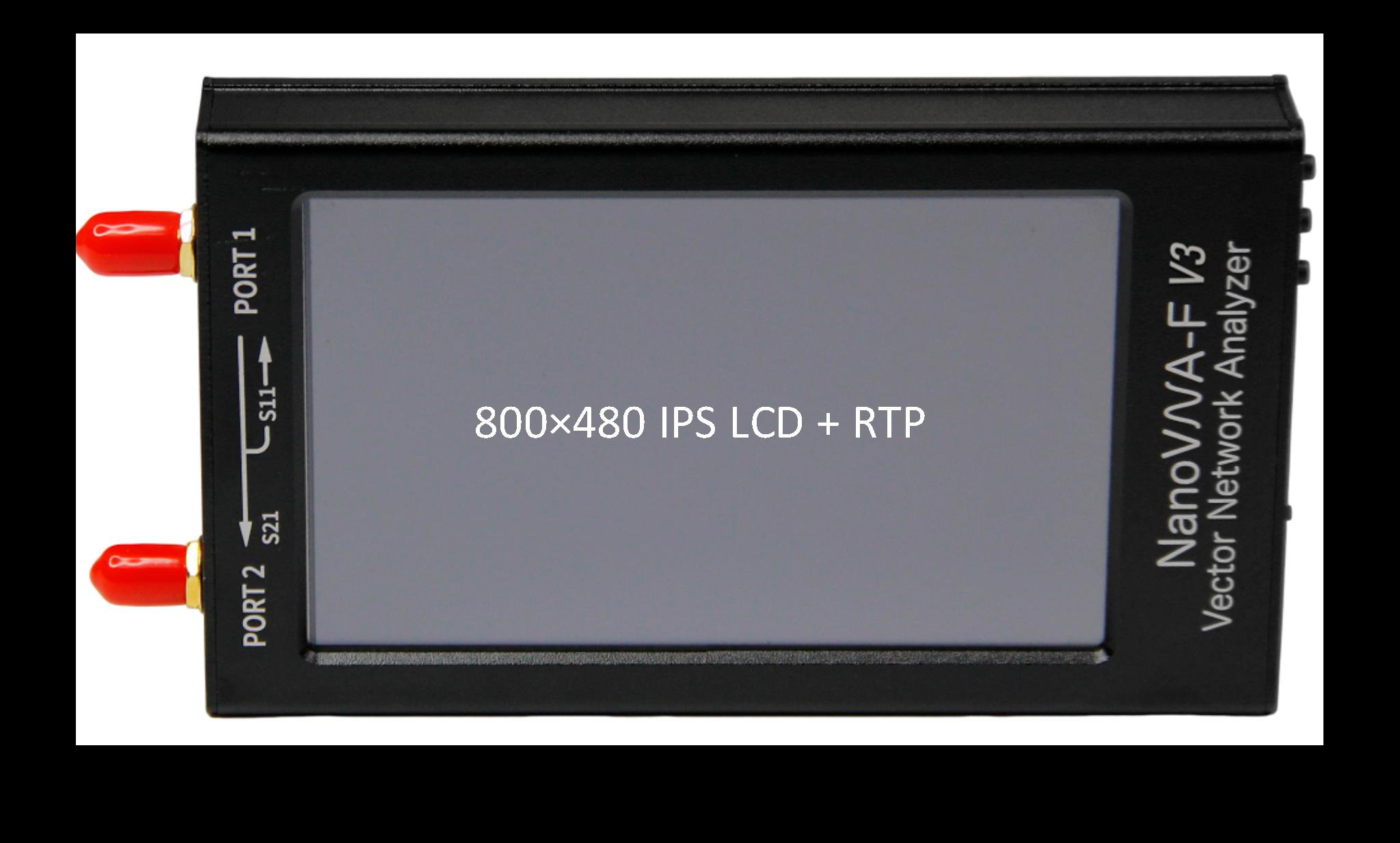
Who Is This For?
Section titled “Who Is This For?”Antenna Testing and Tuning
Check SWR, impedance, and resonant frequency of your antennas from HF through SHF. Tune matching networks in the field with real-time Smith chart display.
Component and Cable Characterization
Measure filters, amplifiers, attenuators, cables, and passive networks. Export S-parameter data for simulation, use TDR for cable fault location, and automate measurements via console commands.
Documentation Sections
Section titled “Documentation Sections”Getting Started
4 pagesOverview, quick start, hardware tour, and VNA basics. Everything you need to go from unboxing to your first measurement.
Tutorials
9 guidesStep-by-step walkthroughs: first S11 and S21 measurements, full calibration, port extension, antenna testing, filter measurement, and TDR cable analysis.
How-To Guides
15 guidesFocused procedures for display configuration, markers, signal generator, CW pulse, TDR, data export, PC software, firmware updates, and more.
Reference
7 pagesSpecifications, complete menu map, screen region guide, all 28 console commands, calibration codes, and LED indicators.