
Date/Time & Average
Set the date and time
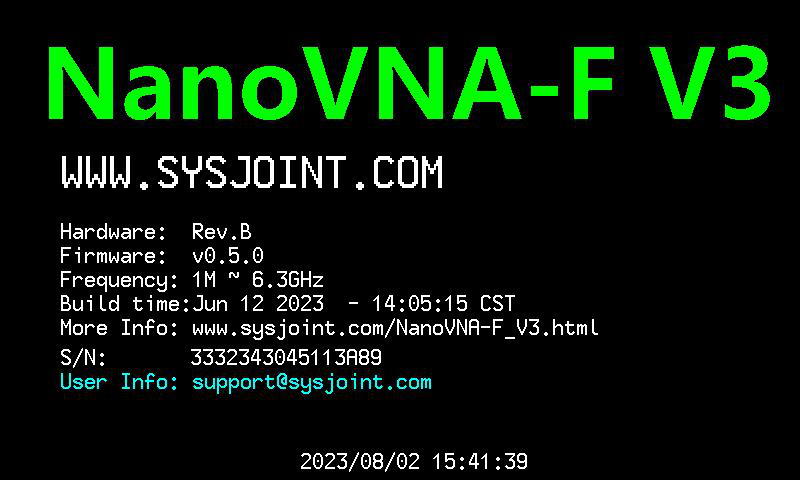
Section titled “Set the date and time”The NanoVNA-F V3 has a real-time clock used for timestamping saved files.
- Tap .
- Enter the current date using the on-screen keypad.
- Tap Ok to confirm.
- Enter the current time.
- Tap Ok to confirm.
Configure sweep averaging
Section titled “Configure sweep averaging”Averaging reduces measurement noise by combining multiple sweeps. Higher averaging values produce smoother traces at the cost of slower update rates.
- Tap .
- Enter the number of sweeps to average.
- Tap Ok to confirm.
Setting average to 1 disables averaging (each sweep displays independently). Higher values like 4 or 8 are useful when measuring low-level signals or when you need clean trace data for export.