
Configure Traces
The NanoVNA-F V3 supports four independent traces (0 through 3), each capable of displaying a different measurement format on the same sweep. This guide covers activating, switching, and deactivating traces.
Activate a trace
Section titled “Activate a trace”- Tap where n is 0, 1, 2, or 3.
- The selected trace becomes active and appears on screen.
Tap the trace status box at the top of the screen for the trace you want to activate. The status box shows the trace number, channel, and current format.
Tap a marker whose color matches the trace you want to activate. This selects both the marker and its associated trace.
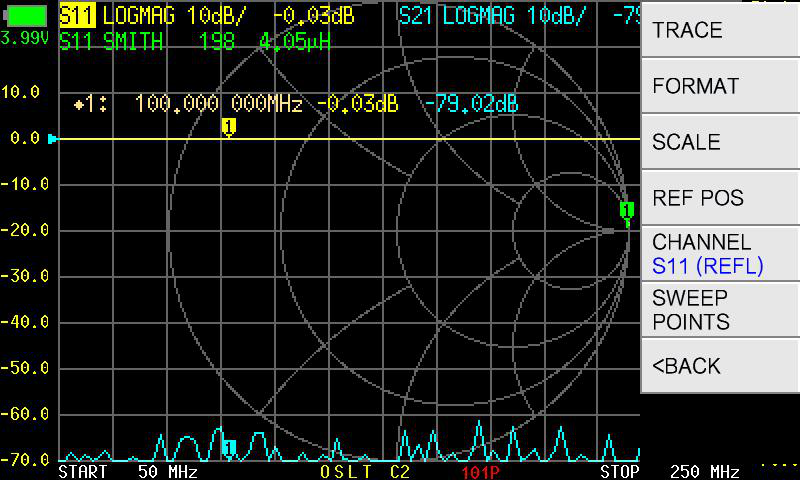
Switch the channel (S11 / S21)
Section titled “Switch the channel (S11 / S21)”Each trace can display either the S11 (reflection) or S21 (transmission) channel.
- Activate the trace you want to change.
- Tap .
- Select S11 or S21.
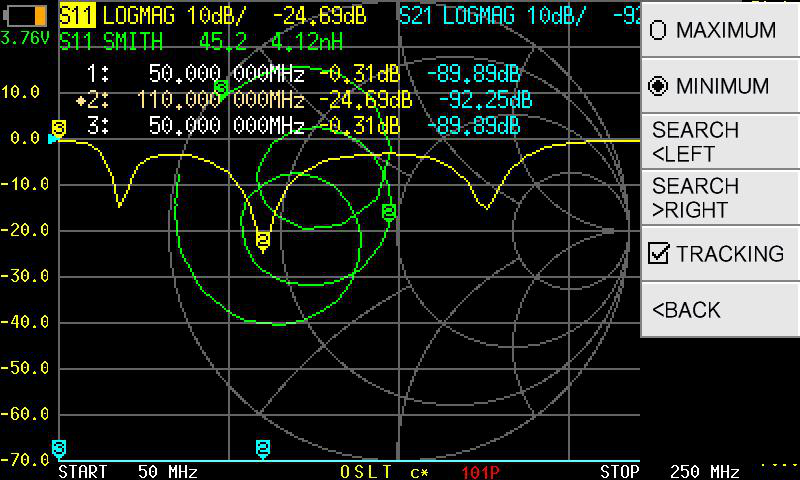
Deactivate a trace
Section titled “Deactivate a trace”To remove a trace from the display, activate it first, then tap again for the same trace number. The trace toggles off.
Identify the active trace
Section titled “Identify the active trace”The currently active trace has its status box highlighted at the top of the screen. All marker readings and scale adjustments apply to the active trace.
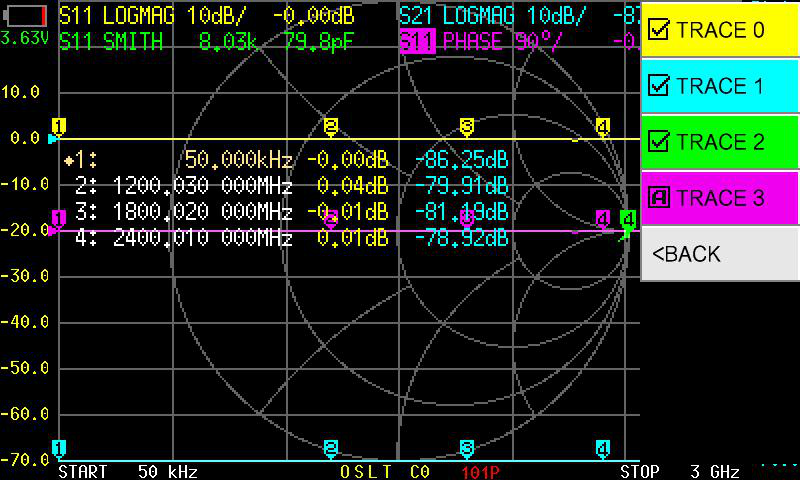
Common multi-trace setups
Section titled “Common multi-trace setups”| Setup | Trace 0 | Trace 1 | Trace 2 | Trace 3 |
|---|---|---|---|---|
| Antenna check | S11 LOGMAG | S11 SWR | S11 SMITH | — |
| Filter response | S21 LOGMAG | S21 PHASE | S11 LOGMAG | — |
| Full two-port | S11 LOGMAG | S21 LOGMAG | S11 SMITH | S21 PHASE |